

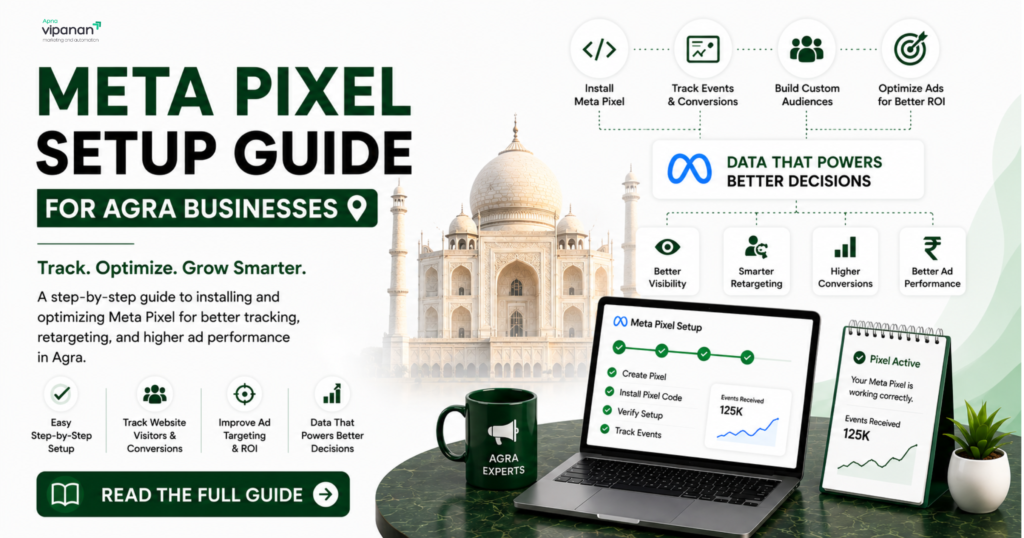
What Is the Meta Pixel and Why Does It Matter?
The Meta Pixel is a tracking snippet that connects your website to your Meta Ads Manager account. Without it, Meta can only see that someone clicked your ad — not whether that click turned into an actual inquiry, booking, or sale. With it installed correctly, Meta’s algorithm learns which types of people are converting on your site, and starts finding more people like them. This is why two businesses spending the same budget can get wildly different results — one has clean pixel data guiding the algorithm, the other doesn’t.
How Do I Set Up the Meta Pixel Step by Step?
- Open Meta Events Manager inside your Meta Business Suite account.
- Create a new pixel and give it a name — most businesses name it after their website or
brand. - Choose an installation method:
Manually add the base code to your website’s header (works for any site)
Use a plugin if your site runs on WordPress (e.g., a Meta/Facebook pixel plugin)
Use Google Tag Manager for cleaner, centralized tag management
Use a native integration if you’re on Shopify or a similar platform - Set up Standard Events — tell the pixel what counts as a conversion: a form submission
(Lead), a WhatsApp click (Contact), a purchase (Purchase), or a page view of a key
page (ViewContent). - Verify installation using the free Meta Pixel Helper Chrome extension — it shows a green checkmark when the pixel is firing correctly on a page.
- Test a real conversion — submit your own form or complete a test action to confirm the event appears in Events Manager within a few minutes.
What Goes Wrong Most Often With Pixel Setup?
Pixel installed on some pages but not others — common with multi-page sites where
only the homepage gets the code
Events not matching real actions — a “Lead” event firing on every page load instead of
only after form submission
Duplicate pixels — two different pixel IDs installed by mistake, splitting your data
No Conversions API backup — relying only on browser-based tracking, which iOS
privacy settings can block, losing a meaningful share of conversion data
Does the Meta Pixel Work for WhatsApp-Based Leads?
Yes, indirectly. If your Agra business generates leads primarily through WhatsApp rather than a contact form, you can track “Contact” events when someone clicks your WhatsApp button, or use Meta’s click-to-WhatsApp ad format, which reports conversions natively inside Meta Ads Manager without needing pixel-based website tracking at all.
Frequently Asked Questions
Is the Meta Pixel free to install? Yes. Creating and installing a Meta Pixel costs nothing — it’s a free feature inside Meta Events Manager, available to any business with a Meta Ads Manager account.
How do I know if my Meta Pixel is working correctly? Install the free Meta Pixel Helper browser extension, visit your website, and check for a green checkmark confirming the pixel fired. You can also check the “Test Events” tab inside Meta Events Manager for real-time confirmation.
What is the difference between the Meta Pixel and the Conversions API? The Meta Pixel tracks conversions from the browser side, while the Conversions API sends the same data directly from your website’s server. Using both together captures more accurate data, since browser-based tracking alone can be blocked by privacy settings on iOS devices.
Can I set up the Meta Pixel myself without technical help? Yes, if your website platform supports plugin-based installation (like WordPress). Custom-built websites usually need a developer or an agency to add the code correctly to avoid tracking errors.
Do I need the Meta Pixel if I only run WhatsApp lead campaigns? Not necessarily. Click to-WhatsApp ad campaigns can track conversions natively within Meta Ads Manager without pixel-based website tracking, though a pixel is still useful if you also drive traffic to a website or landing page.
Not sure if your pixel is tracking correctly? Apna Vipanan will check your setup at no cost and flag any tracking issues costing you leads.
Apna Vipanan — Meta Ads Manager Experts, Agra Sikandra, Agra, Uttar Pradesh +91-8077824007 apnavipanan.com
Request Your Free Audit → | See our Meta Ads Manager Agra service page →